Mastering Google Search Console with FennecSEO App: A Comprehensive Guide

Google Search Console (GSC) is the heartbeat of any SEO strategy. However, the native interface, while powerful, can sometimes be slow to navigate or limited in how it presents data. Enter the FennecSEO App.
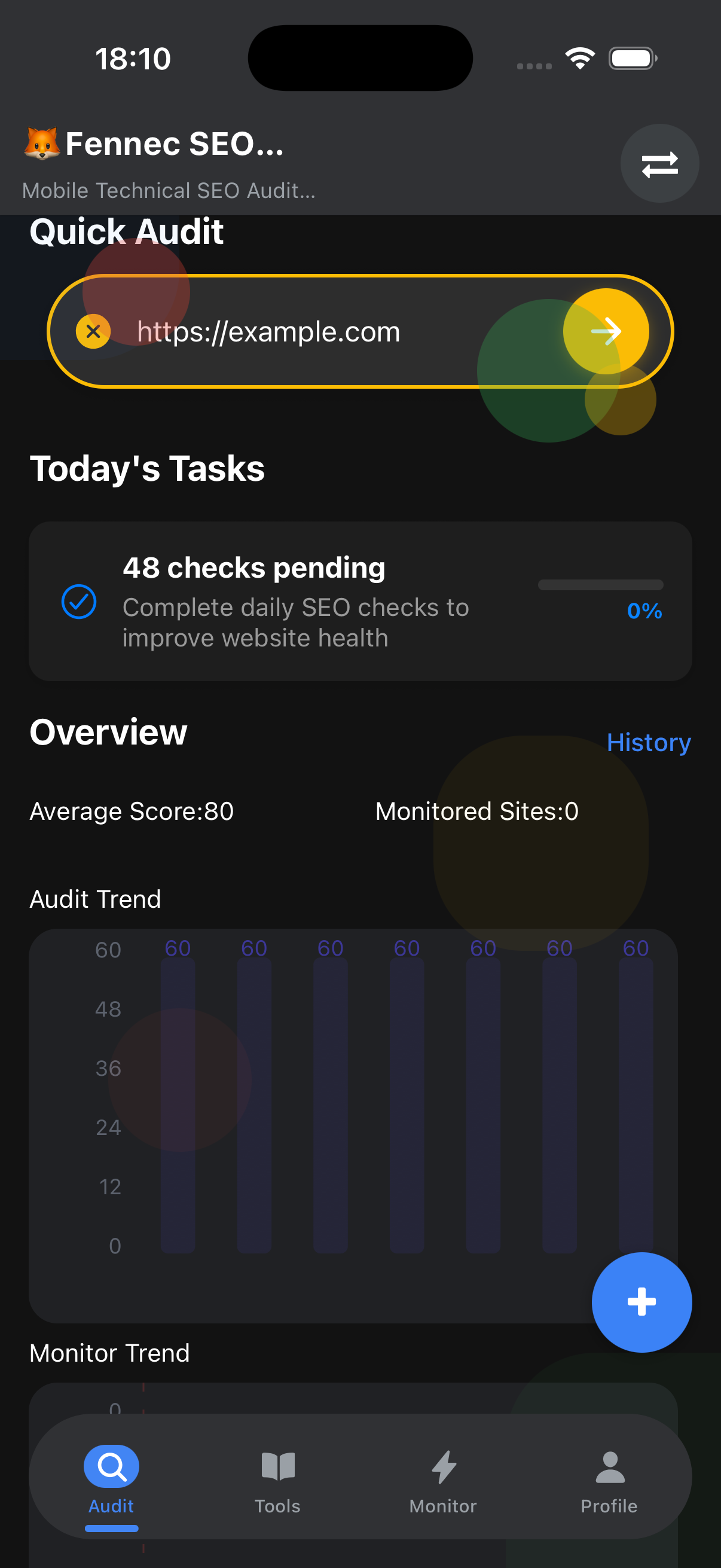
We’ve integrated GSC directly into our comprehensive audit tool, creating a unified command center for your SEO operations. In this guide, we’ll explore how to use FennecSEO App to manage your sites, inspect URLs, and gain AI-powered insights from your search data.
1. Seamless Connection & Site Management
The first step is connecting your GSC account. We’ve made this incredibly simple via OAuth 2.0, ensuring secure access without sharing your password.
Once connected, you can:
- Add Sites: Instantly import all properties associated with your Google account.
- Manage Sites: Switch between different properties (Domain properties or URL prefixes) with a single click.
- Sitemap Management: Submit new sitemaps or check the status of existing ones directly from the app dashboard. No need to log in to the GSC web interface just to check if a sitemap was processed.
2. Custom Search Data Analysis
Native GSC limits you to 16 months of data and specific filtering combinations. FennecSEO App breaks these chains.
- Custom Date Ranges: Analyze performance over any period.
- Advanced Filtering: Filter queries by Regex, word count, or specific SERP features.
- Data Visualization: We provide custom charts that highlight trends often hidden in the default line graphs, such as Week-over-Week (WoW) or Year-over-Year (YoY) growth comparisons.
3. AI-Powered Search Insights
This is where the magic happens. We don’t just show you the data; we help you understand it.
By integrating local AI models, FennecSEO App analyzes your query data to identify:
- Low-Hanging Fruit: Keywords ranking in positions 11-20 that need a small push to reach Page 1.
- Striking Distance: High-impression, low-CTR queries that indicate a need for meta tag optimization.
- Cannibalization: Automatically detect multiple pages competing for the same keyword clusters.
4. In-App URL Inspection
Need to check why a specific page dropped in traffic? Use the built-in URL Inspection Tool.
Instead of navigating away, simply paste the URL into the FennecSEO App. We pull live data from the GSC API to show you:
- Index Status: Is the URL on Google?
- Mobile Usability: Are there any mobile-friendly issues blocking ranking?
- Rich Results: Verify if your FAQ, Review, or Article schema is being parsed correctly.
5. The Power of Integration
The true power lies in the connection between our features. You can discover a declining page in the GSC Analysis tab, instantly click to run a Technical Audit on that specific URL, and then use the Content Editor to optimize it—all within the same application window.
Conclusion
The FennecSEO App transforms Google Search Console from a passive reporting tool into an active optimization engine. By centralizing your data and adding layers of AI intelligence, we help you make faster, smarter SEO decisions.
Ready to take control? Check out our GSC Management Feature Page to learn more and download the app today.