Googlebot Crawl Limits: 2MB Fetch Cutoff, Crawl Rate, and What to Fix

If you are searching for “Googlebot 2026 changes,” the useful answer is narrower than the headline many articles promise. There is no single public “2026 Googlebot update” that suddenly changed how every page gets crawled. What Google does document, however, is the current set of fetch limits, crawl-rate constraints, verification steps, and maintenance actions you should use today.
For this URL, the Search Console baseline recorded in the optimization plan for 2026-07-16 to 2026-07-22 was 374 impressions at an average position of 6.23. That makes this a good refresh candidate: the page already surfaces, but the older version overstated “new changes” instead of giving a practical maintenance workflow.
As of February 3, 2026, Google’s Search Central documentation says Googlebot for Search crawls the first 2MB of a supported file and up to 64MB of a PDF. As of June 12, 2026, Google’s broader crawler overview says most Google web crawlers fetch the first 15MB of content, while noting that some products, including Googlebot, can apply a smaller limit. Read those together, not as contradictory headlines: the Search-specific Googlebot page is the one that matters for Google Search crawling. See Google’s Googlebot documentation and the general Google crawler overview.
What is actually documented right now
| Topic | Current first-party statement | Why it matters |
|---|---|---|
| Search fetch size | Googlebot for Search crawls the first 2MB of a supported file; PDFs can be fetched up to 64MB. | HTML, JSON-LD, canonicals, or links that appear after the cutoff may never reach Google Search. |
| Resource fetching | Referenced resources are fetched separately. | A large inline blob inside HTML is worse than the same bytes served as a separate file. |
| Crawl capacity | Google adjusts crawl based on site health and limits. Slow responses, 5xx errors, or crawl issues can reduce activity. | Crawl problems are often operational, not “algorithm change” stories. |
| Crawl demand | Important, fresh, or popular URLs get more demand; duplicates and low-value URLs can waste attention. | URL hygiene influences whether Google spends time on the pages you care about. |
| Verification | Google recommends verifying Googlebot and other Google crawlers before acting on log patterns. | Do not block or diagnose based on user-agent strings alone. |
The practical lesson is simple: treat this topic as a crawl-maintenance guide, not a news post about one dramatic 2026 event.
The two limits people mix up
1. Per-file fetch cutoff
Googlebot’s Search documentation is clear: Google Search crawls only the first 2MB of a supported file. That size limit applies to the uncompressed file content Google receives for processing, not merely the transfer size shown by a CDN dashboard.
What this usually breaks first:
- large inline base64 images in HTML;
- heavy inline CSS or JavaScript in the document head;
- oversized navigation or faceted-link blocks before the main content;
- schema, canonicals, or important links pushed too far down the file;
- pages that render a minimal shell first and defer most meaningful copy.
If your page relies on JavaScript, this cutoff still matters because Google’s renderer can only work with the HTML and resources the crawler actually fetched. Google explains in its JavaScript SEO basics that it crawls, renders, and then uses the rendered HTML for indexing.
2. Crawl-rate and crawl-budget limits
The second issue is not file size at all. Google’s crawl budget guidance explains that crawl activity is constrained by two broad forces:
- crawl capacity limit: how much crawling your server and site health can tolerate;
- crawl demand: how much Google wants to crawl those URLs.
If your pages return 429, 503, repeated redirect chains, soft 404s, or very slow responses, crawl capacity can drop. If your site publishes many duplicate, parameterized, or low-value URLs, crawl demand gets diluted.
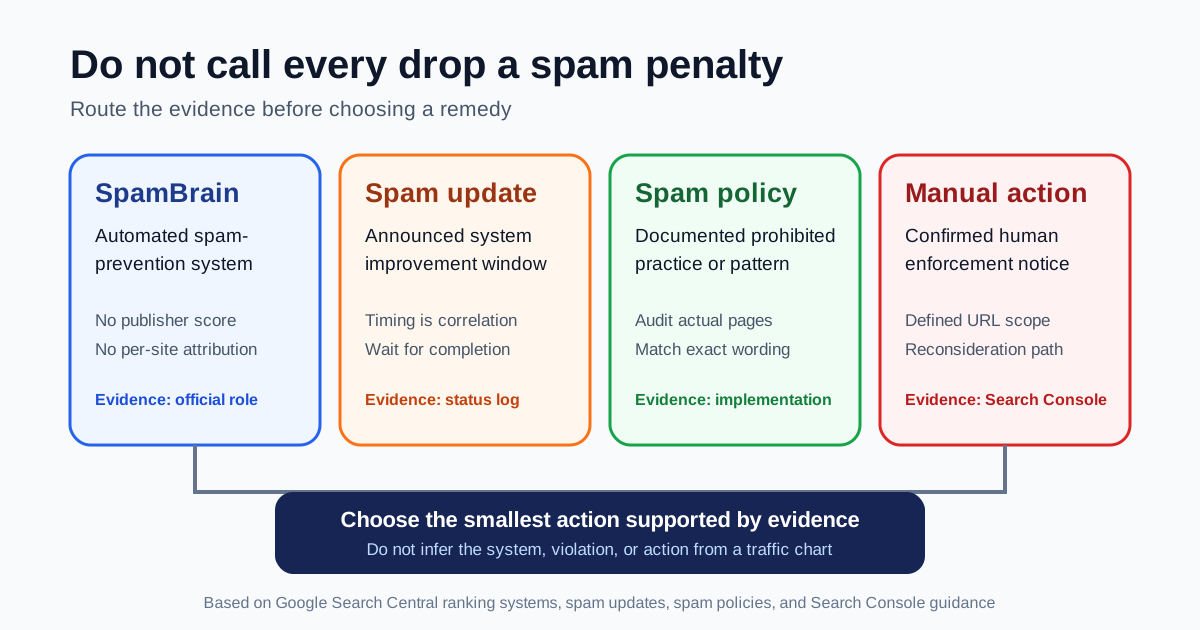
That is why “Googlebot changes” is often the wrong diagnosis. In many cases the problem is URL inventory, server behavior, or page structure.
A reproducible audit workflow
1. Measure the uncompressed HTML size
Save the rendered response and count bytes after decompression:
curl -L --compressed -o /tmp/page.html https://example.com/page
wc -c /tmp/page.html
If the result is getting close to 2MB, inspect what is consuming bytes:
rg -n "data:image|<style|<script|application/ld\\+json" /tmp/page.html
Do not stop at total size. Check whether the title, meta description, canonical, H1, primary answer, internal links, and schema appear well before the cutoff.
2. Compare raw HTML with rendered HTML
If the raw file is small but the important content only appears after client-side rendering, you may still have a crawl problem.
Check both states:
- View the server response with
curlor View Source. - Inspect the rendered DOM in the browser.
- Use Fennec Bot Simulator to compare crawler-visible output.
- Use Search Console URL Inspection to confirm what Google reports for the live URL.
When the raw HTML is thin and the rendered DOM carries the real answer, the next page to read is Googlebot WRS and JavaScript SEO.
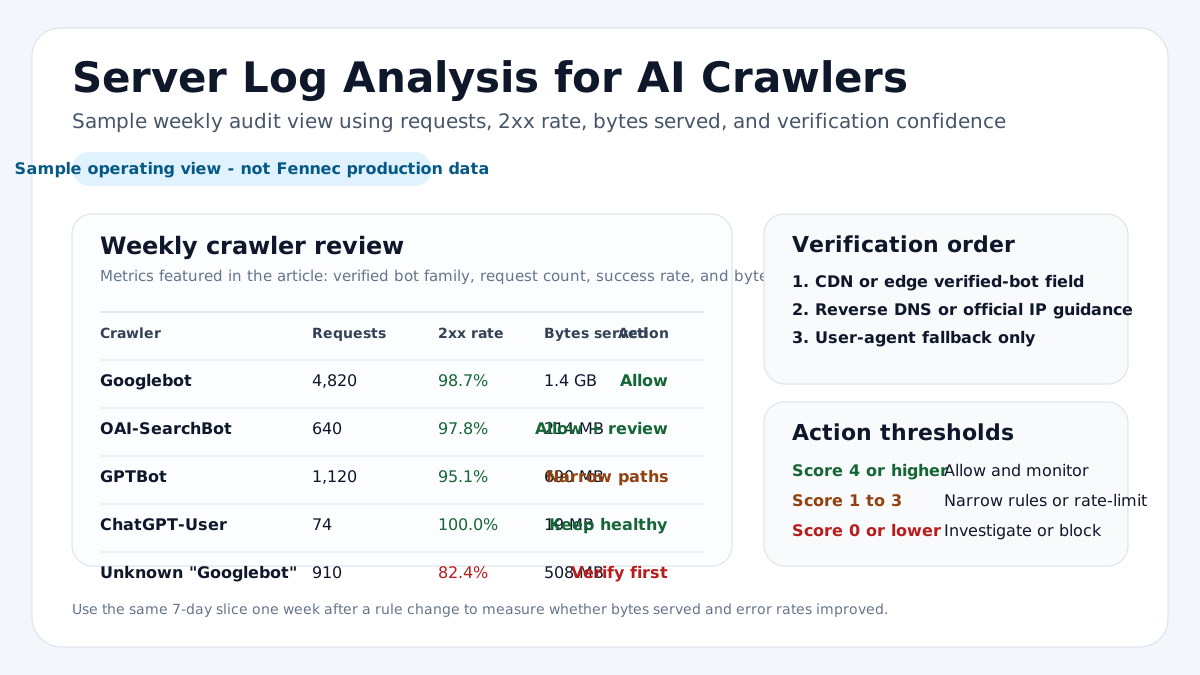
3. Verify whether the requests are really Googlebot
Before treating a log line as Google Search activity, follow Google’s verifying Googlebot guidance. Reverse DNS verification is still the recommended method.
host 66.249.66.1
host crawl-66-249-66-1.googlebot.com
The exact IP will vary. The point is to verify the hostname returned by reverse DNS and then confirm it resolves back to the same IP.
4. Look for crawl waste before asking for more crawling
The URLs that hurt crawl efficiency are often boring:
- duplicate parameter URLs;
- faceted navigation that creates many near-identical pages;
- redirect chains;
- soft 404 pages that still return
200; - permanently blocked or broken assets;
- empty paginated or search-result pages.
This is where a technical SEO audit or sitemap check is usually more valuable than rewriting copy on one page.
5. Request reprocessing only after the fix exists
Google’s Ask Google to recrawl your URLs page says you can request reindexing after important changes, but it also states that crawling can still take time. Use the request after you have:
- reduced HTML bloat or moved heavy assets out of the document;
- fixed server errors or crawl throttling causes;
- restored crawlable links and canonical signals;
- confirmed the live page returns the intended HTML.
Failure modes that matter more than “2026 changes”
Oversized HTML hides important signals
When critical elements appear late in a large HTML file, Google Search may never process them. Typical casualties are JSON-LD, footer navigation, large comparison tables, and article bodies pushed below gigantic headers or app shells.
Slow or unstable servers reduce crawl capacity
If Google sees your site struggling, it crawls less aggressively. Watch for:
- repeated
5xxresponses; 429 Too Many Requests;- sharp response-time spikes;
- origin timeouts hidden behind CDN success pages.
This is an operations problem first. Treat it like one.
JavaScript can hide the real problem
If server HTML is lightweight but incomplete, you may think you are safe because the page “looks fine” in a browser. Google’s renderer still depends on accessible scripts, crawlable resources, and predictable rendering. If the main content is delayed, blocked, or injected only after interaction, Search may miss it.
URL sprawl wastes demand
Google’s crawl-budget guidance is explicit that duplicate or low-value URLs can waste crawling attention. A cleaner internal link graph and more disciplined indexing strategy matter more than a generic promise that “Googlebot got smarter in 2026.”
What to change on the page first
If you only have one sprint to improve crawl reliability, do these in order:
- Keep the title, description, canonical, H1, and direct answer early in the HTML.
- Move heavy CSS, JavaScript, and image data out of the document where possible.
- Remove duplicate or low-value crawl paths that do not serve distinct user tasks.
- Verify Googlebot requests before blocking, rate-limiting, or triaging logs.
- Re-test the live URL in Search Console after deploying the fix.
Bottom line
The useful story is not “Googlebot made surprise 2026 changes.” The useful story is that Google already documents concrete crawl limits, and those limits are testable.
Measure the uncompressed HTML, verify real Googlebot traffic, reduce crawl waste, and confirm the live rendered result. If the problem is more about rendering than fetching, continue with Googlebot WRS and JavaScript SEO. If the issue is broader URL inventory or technical debt, start from a full technical SEO audit.
Q&A
Did Googlebot announce a brand-new crawling limit in 2026?
Not as a broad ranking update. The safer framing is that Google documents current fetch limits and crawl-management rules. As of the Googlebot documentation updated on February 3, 2026, Googlebot for Search fetches the first 2MB of supported files and up to 64MB for PDFs.
How do I know whether Googlebot misses content because of crawl limits?
Measure the uncompressed HTML size, inspect rendered HTML, review Search Console URL Inspection, and verify real Googlebot requests in logs. Do not assume a low crawl rate and a rendering problem are the same issue.
Will requesting indexing fix crawl problems immediately?
No. Google says a recrawl request can help after an important change, but crawling and processing still take time and depend on your site’s health and demand.