How to Test What AI Crawlers See on Your Website

AI crawler testing starts with one simple question:
Does the crawler receive the same important content that a user and a search engine need?
The answer is not always obvious. Modern websites can serve different HTML, redirect paths, scripts, lazy-loaded content, bot rules, and metadata depending on user agent, device, cookies, and rendering.
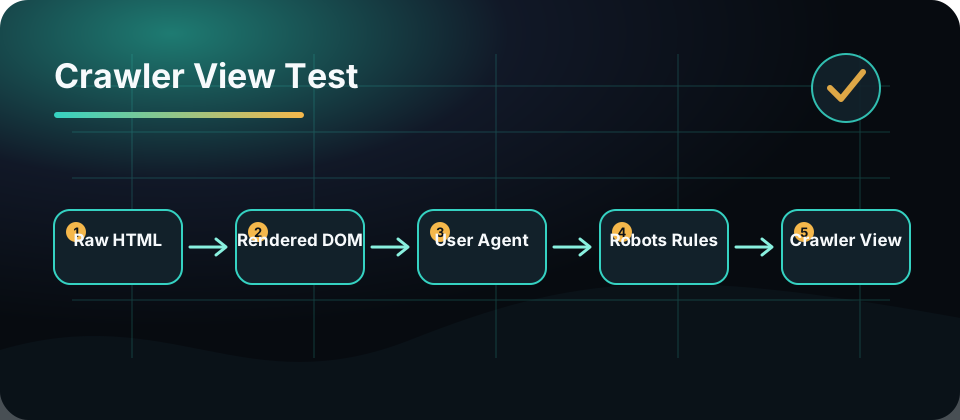
This workflow helps you test what AI crawlers and search bots see before a visibility problem becomes a ranking problem.
Step 1: Pick The Page Type
Do not test only the homepage.
Choose one URL from each important template:
- Blog article
- Product or feature page
- Documentation page
- Pricing page
- Category page
- Tool page
- JavaScript-heavy page
- Localized page
For Fennec, a good first sample would include AI Overview, Bot Simulator, Schema Markup, Technical SEO, and a recent blog post.
Step 2: Check Access Rules
Before rendering, confirm crawler access:
- robots.txt allows the path
- meta robots does not noindex the page
- X-Robots-Tag headers are not blocking it
- canonical points to the intended URL
- sitemap includes the canonical URL
- hreflang is correct for localized pages
Use robots.txt checker, canonical checker, and sitemap checker to avoid missing small blockers.
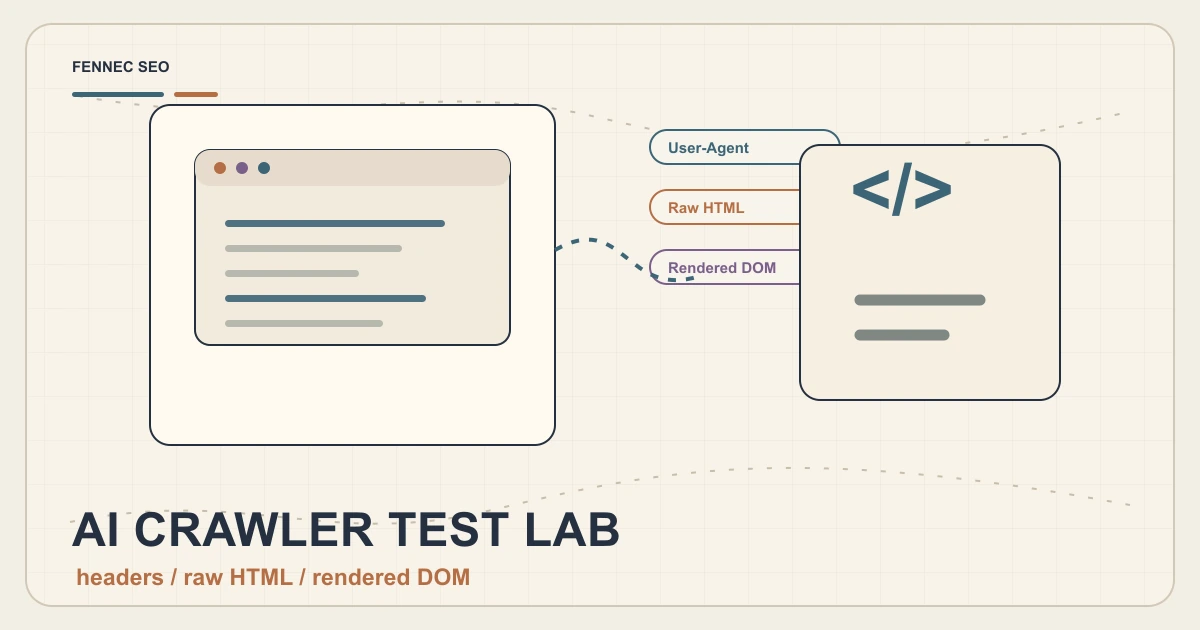
Step 3: Compare User Agents
Fetch the page with different user agents:
- Normal browser
- Googlebot smartphone
- Bingbot
- GPTBot
- OAI-SearchBot
- ChatGPT-User
- ClaudeBot
You are looking for differences in:
- HTTP status
- Redirect chain
- Final URL
- HTML size
- Title
- Meta description
- Canonical
- Main content
- Internal links
- Structured data
Fennec’s Bot Simulator is built for this kind of comparison.
Step 4: Compare Raw HTML And Rendered DOM
Many SEO problems live between the initial HTML and the rendered page.
Check:
- Is the primary content present in raw HTML?
- If not, does it appear after rendering?
- Are title and meta tags server-rendered?
- Is schema injected late by JavaScript?
- Are links real anchor tags or click handlers?
- Does lazy loading hide critical text?
- Does the mobile page omit important content?
If important content appears only after a fragile script chain, the page is riskier.
Step 5: Review Structured Data
AI search does not require special AI markup, but structured data can still help search systems understand page type and entities.
Check:
- Article schema for blog posts
- Product or SoftwareApplication schema where relevant
- Organization and author consistency
- Breadcrumb schema
- FAQ only when it represents real page content and follows current guidance
Use Schema Markup to validate JSON-LD and avoid stale rich-result assumptions.
Step 6: Test Content Extraction
Pretend the crawler needs to summarize the page.
Can it extract:
- The core answer
- The page purpose
- The author or organization
- The date updated
- The next useful links
- The key examples or tables
- The product action, if relevant
If a human cannot quickly identify those items, an automated system may struggle too.
Step 7: Log What Actually Visits
Simulation is useful, but logs show reality.
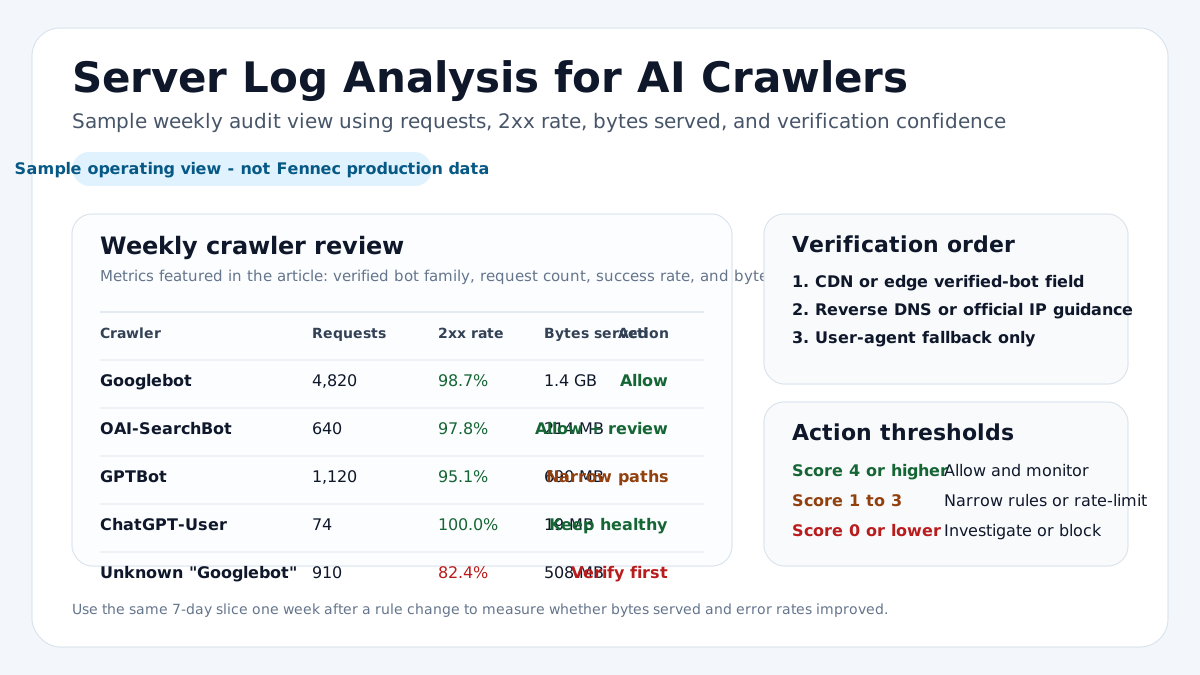
Review server logs for:
- User agent
- Timestamp
- URL requested
- Status code
- Response size
- Cache hit or miss
- Country or network when available
Look for crawler spikes, repeated 404s, redirect loops, and heavy media requests.
AI Crawler Test Checklist
Use this table for each URL:
| Check | Pass? |
|---|---|
| URL returns 200 | |
| Robots allows access | |
| No unintended noindex | |
| Canonical is correct | |
| Main content visible in raw or rendered HTML | |
| H1 matches page topic | |
| Internal links are crawlable | |
| Structured data validates | |
| Mobile layout exposes main content | |
| User-agent responses are consistent |
Takeaway
Testing AI crawlers is not guessing which bot matters most. It is verifying that your important pages are accessible, understandable, and consistent across crawler views.
Start with access rules, compare user agents, inspect raw and rendered content, validate schema, and confirm with logs. That workflow catches the problems that trend posts miss.