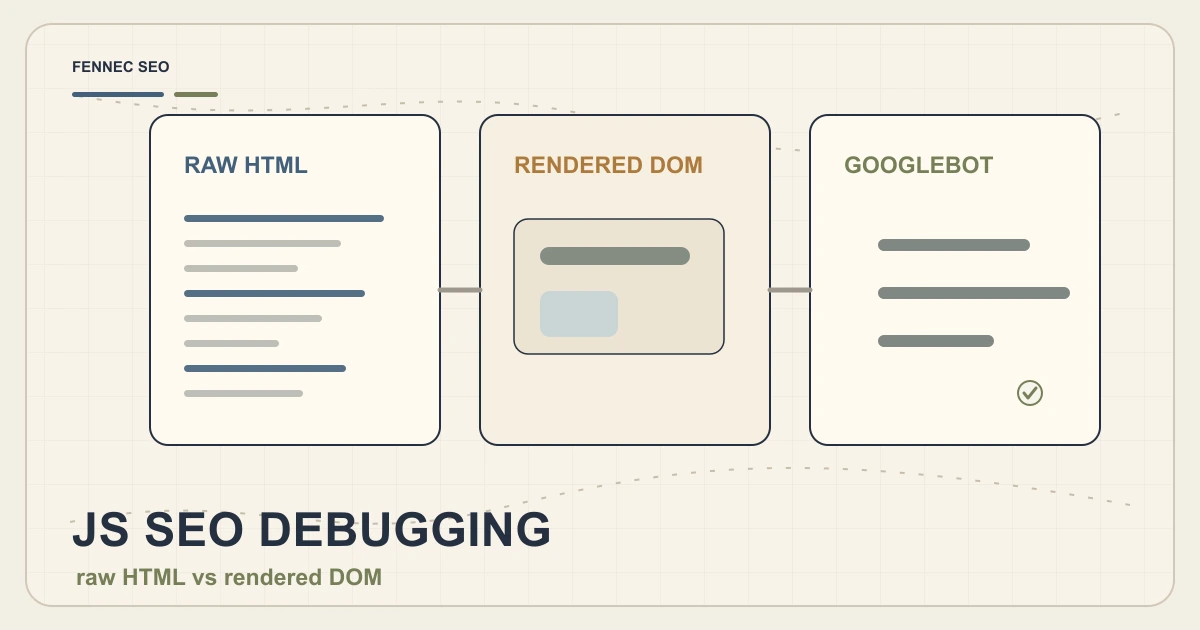
JavaScript SEO Debugging: Raw HTML vs Rendered DOM

JavaScript SEO problems rarely announce themselves.
The page looks fine in your browser. The content appears. The buttons work. The schema is somewhere in DevTools.
But a crawler may receive a different version:
- Thin raw HTML
- Missing links
- Late-injected schema
- Wrong canonical
- Redirect differences
- Mobile-only omissions
This debugging workflow compares raw HTML, rendered DOM, and crawler output so you can find the real issue.
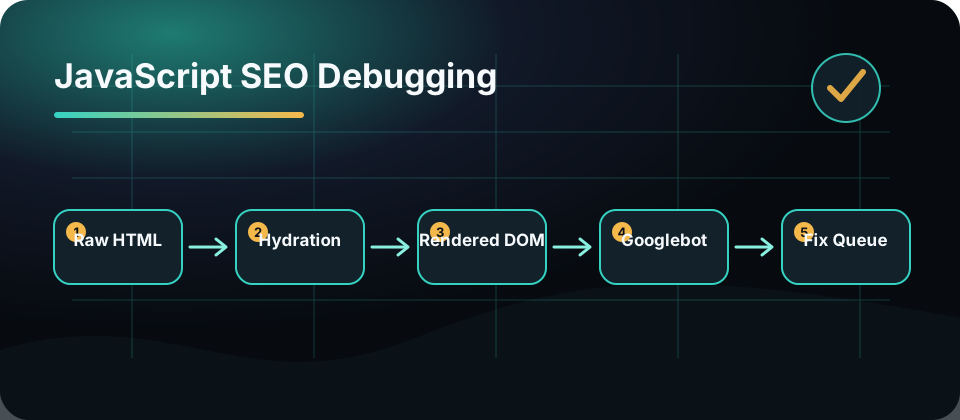
The Three Views
Raw HTML
Raw HTML is the first response from the server before JavaScript runs.
Check whether it includes:
- Title
- Meta description
- Canonical
- H1
- Main content summary
- Important links
- Structured data
- Robots directives
If the raw HTML is nearly empty, the page depends heavily on rendering.
Rendered DOM
Rendered DOM is what exists after JavaScript executes.
Check:
- Did the main content appear?
- Did metadata change?
- Did schema get injected?
- Are links real anchors?
- Did content differ by device?
- Did hydration replace server content?
Use browser DevTools and a crawler that can render JavaScript.
Googlebot Or Bot View
Crawler view tests how a specific bot receives the page.
Check:
- HTTP status
- Redirect chain
- Final URL
- User-agent differences
- Rendered content
- Blocked resources
- Mobile output
Use Bot Simulator and Search Console’s inspection tools where available.
Debugging Checklist
| Element | Raw HTML | Rendered DOM | Bot view |
|---|---|---|---|
| Title | Present | Same or intentional | Same |
| Meta description | Present | Same or intentional | Same |
| Canonical | Correct | Not overwritten | Correct |
| H1 | Present | Present | Present |
| Main content | Enough context | Full content | Full content |
| Internal links | Crawlable anchors | Still anchors | Visible |
| Schema | Valid JSON-LD | Not duplicated | Visible |
| Meta robots | Correct | Not changed | Correct |
The goal is not that all three views are identical. The goal is that critical SEO signals are stable.
Common JavaScript SEO Failures
Late Canonical Injection
If canonical is injected after rendering, crawlers may see the wrong URL or no canonical at all. Put canonical in server-rendered HTML when possible.
Links Built With Click Handlers
Search systems need crawlable links. Use real anchor tags with href values for important navigation.
Schema Duplicated By Hydration
Some frameworks duplicate JSON-LD during hydration or route transitions. Duplicate schema can confuse validation and maintenance.
Mobile Content Differences
Google primarily uses mobile content for indexing. If desktop has important content that mobile hides or removes, rankings can suffer.
Robots Tags Changed By JavaScript
Do not rely on client-side scripts to fix robots directives. Make indexing decisions clear in HTML or HTTP headers.
When To Use SSR Or SSG
Server-side rendering or static generation is helpful when a page depends on organic search.
Prioritize SSR or SSG for:
- Product pages
- Pricing pages
- Blog posts
- Documentation
- Category pages
- International landing pages
- Any page targeting AI search visibility
Client-side rendering can work, but critical SEO elements should not depend on a fragile chain of API calls.
Fennec Workflow
For a high-value JavaScript page:
- Run Technical SEO audit.
- Use Bot Simulator with Googlebot smartphone.
- Compare raw HTML and rendered DOM.
- Validate Schema Markup.
- Check Canonical and Core Web Vitals.
- Record the template issue, not only the URL issue.
Template-level fixes compound across hundreds of pages.
Takeaway
JavaScript SEO debugging is a comparison exercise.
Look at raw HTML, rendered DOM, and crawler output side by side. Stabilize critical signals: title, canonical, robots, content, links, and schema.
If a page matters for search, make its important SEO content visible early and reliably.